- Stephen Robles
- Posts
- 🤖 Final Cut for iPad Review, VR Headset at WWDC
🤖 Final Cut for iPad Review, VR Headset at WWDC
Plus My Robot Vacuum and Mop Showdown

Stephen Robles
May 26, 2023
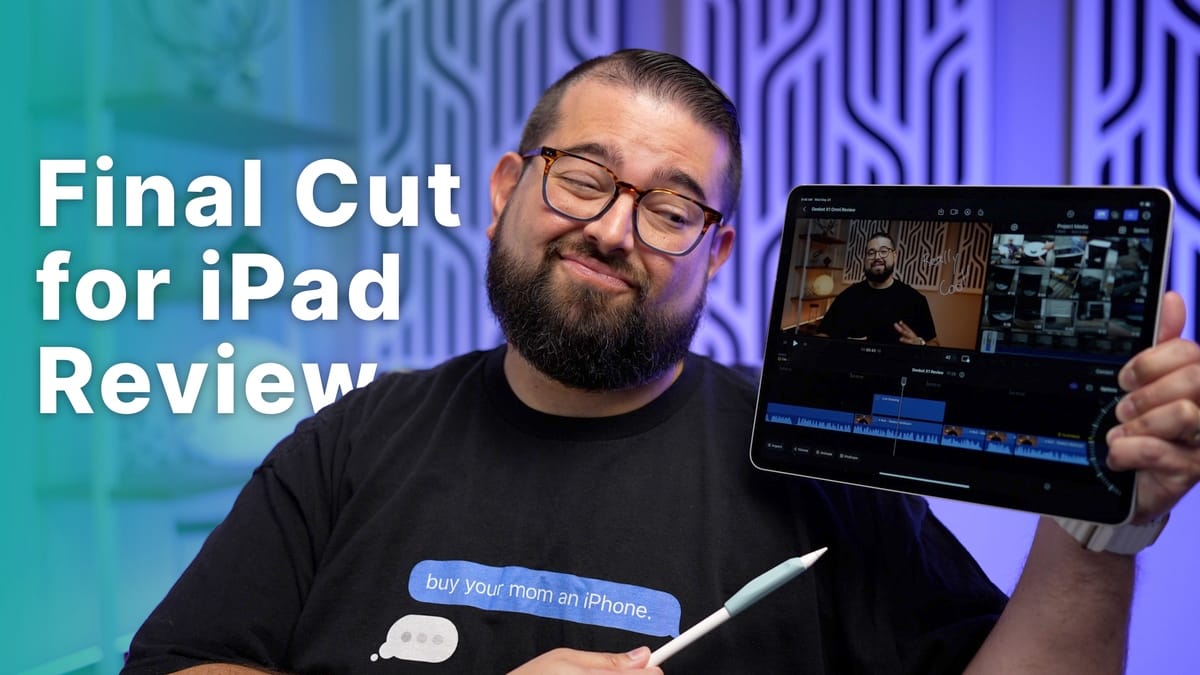
Final Cut for iPad…is OK
The much-anticipated arrival of Final Cut Pro for iPad is here, but if you’re like me and heavily use Final Cut on Mac, it’s a little weird.
It’s clear to me now that Final Cut on iPad is more iMovie Pro than Final Cut Lite. There are new tools and features that make it a really compelling app, like its Auto Crop feature for making vertical videos, Live Drawing can add animated text on video with Pencil, and it even includes true Multicam editing.
But moving my Final Cut workflow from Mac to iPad is a non-starter. Keyboard shortcuts are not mapped the same, you can’t edit footage that’s stored on external drives (you must copy every video clip to your iPad’s local storage), and the Pencil fulfilled little potential as an editing tool.
I edit 3-4 podcasts every week, and despite having Logic Pro X and Adobe Audition, I still prefer to edit them in Ferrite on iPad. Ferrite may not be as powerful as Logic or Audition, but one aspect tips everything in its favor: Pencil editing.
Ferrite offers several options to personalize how Pencil behaves when editing. For instance, I have it set where scrolling with my meat finger scrolls across the timeline, while dragging across a section of audio with Pencil deletes the audio and gives me the option to close the gap in an instant. This one control paradigm gives me the ability to edit podcasts 5x-10x faster on iPad than on Mac.
Final Cut Pro offers no such customizations. Using the Pencil is basically a finer pointed meat finger. You gain no additional editing controls, there are no options for Pencil behavior, and overall it feels like a waste.
I hope Apple adds some customizations in the future because I could see myself using Final Cut Pro when traveling and for quick edits. Not being able to edit off external drives is certainly a pain, but if I spring for the 2TB version next iPad Pro cycle, I may be able to leave the MacBook Pro at home on future trips.
For those who haven’t used Final Cut Pro on the Mac, but want to step up their game from iMovie, Final Cut on iPad is a great option. And at $5 / month, it makes a powerful video editing app accessible to a wider audience.
Robot Vacuum Showdown
Our first robot vacuum was an inexpensive Roomba, and it felt like it required more effort to maintain than if we had just cleaned the floors ourselves. Fast forward ten or so years and the latest crop of robot vacuums and mops are incredible machines.
After building our house a year ago, one of the investments I knew I wanted to make in our smart home was the best robot vacuum and mop combo unit. At that time it was the Roborock S7 MaxV Ultra. A word salad of branding, but a few uses later it was clear: this thing changed our lives.
Not only is the maintenance minimal, but it actually cleans super well! After a year of use, it was clearly an excellent investment. New brands and models are coming all the time, and one such robot is the Deebot X1 Omni.
In the video above, I put the Deebot head-to-head with my year-old Roborock. From vacuum and mopping ability, dock design, app experience, and more, in the end, you’ll know which robot vacuum would be the best for you!
Apple’s Headset is Coming
Apple’s big WWDC conference is just a week away, with their keynote happening Monday, June 5th at 1 pm ET. During the event, Apple will share new features coming to iOS 17, macOS, possibly announce a new 15-inch MacBook Air, and all rumors point to the reveal of Apple’s own VR headset.

Apple VR Headset Render
Honestly, it still feels like a very un-Applely product to me. All VR headsets look goofy right now, haven’t offered a solid use case for the general public, and are fairly expensive. But that was the case for smartwatches before the Apple Watch and tablets before iPad.
If you’d like to hear my thoughts on what it could be, and what it could mean for Apple, check out the latest AppleInsider podcast!
